

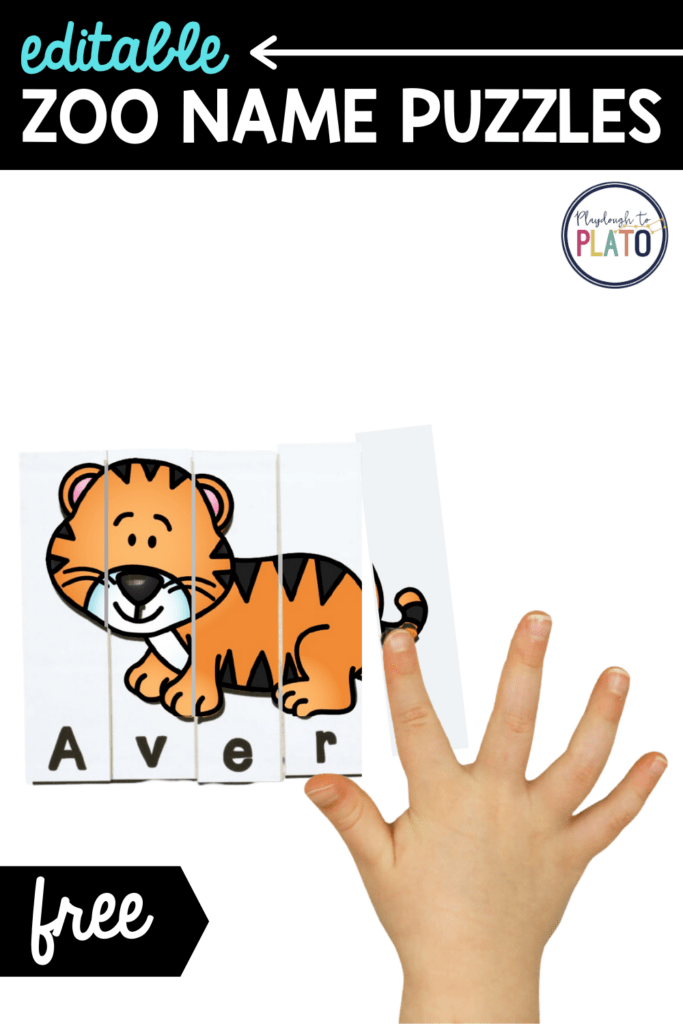
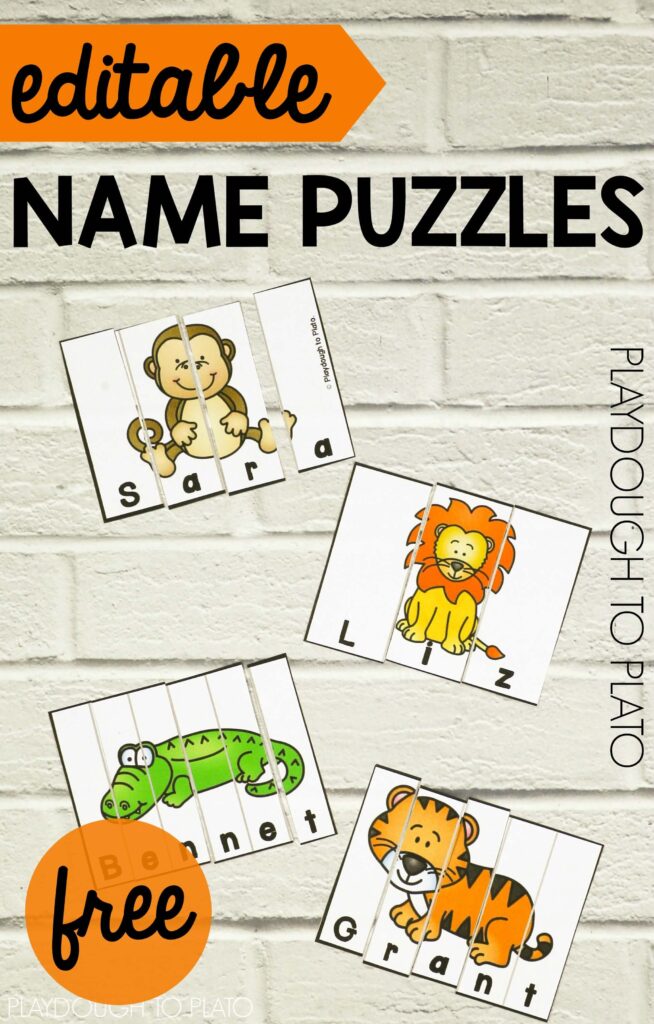
My favorite way to begin teaching kids how to read is to start them off with the word they love most: their name! These playful, editable name puzzles are perfect for a zoo unit, beginning of year activity or just because. And, just like our super popular Editable Name Games, they work with any name under the sun so you can easily personalize them for every single child. MAJOR bonus!
Snag your activity and then hop over and grab our bundle of best-selling Pre-K centers in our shop!
Getting Ready
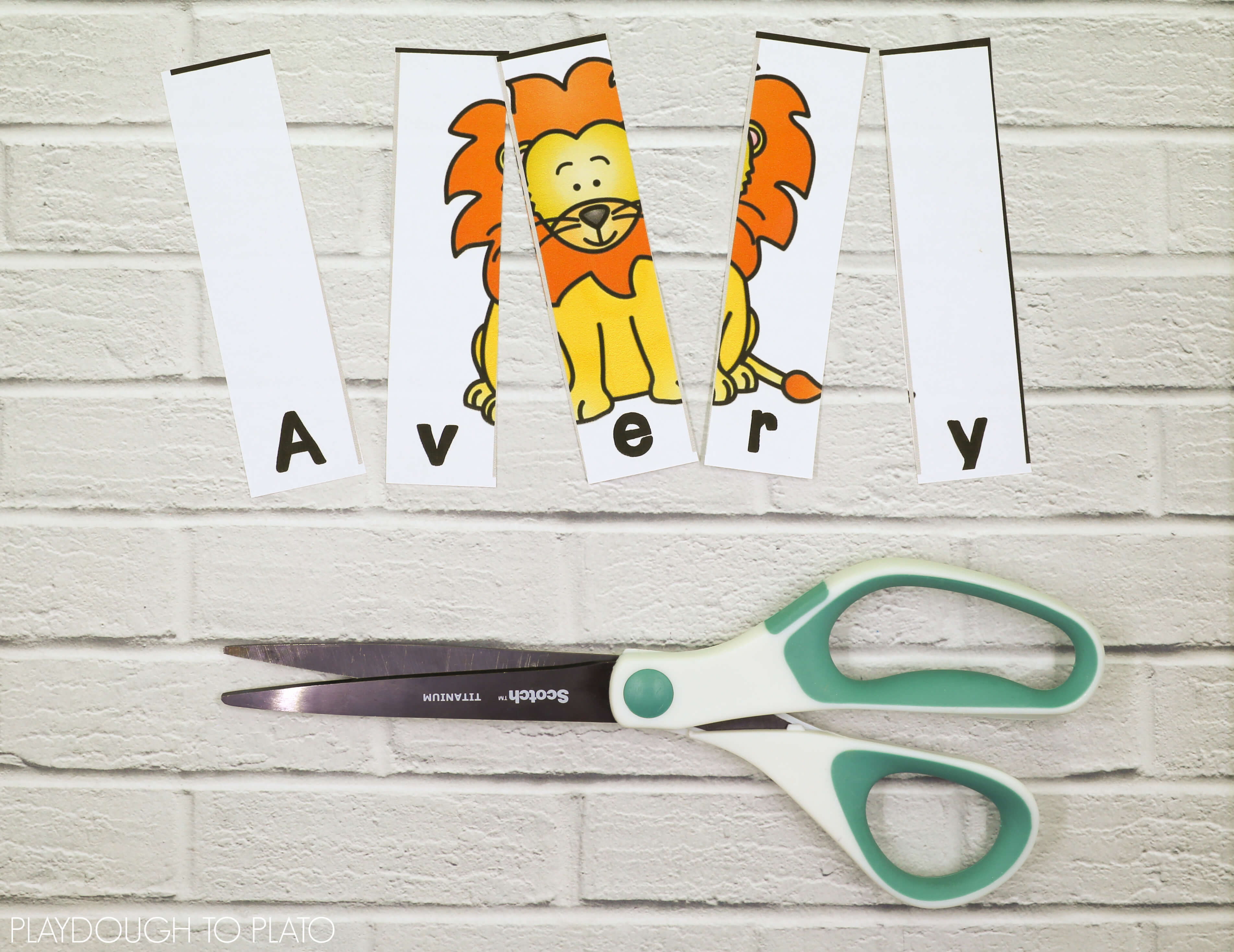
To prep, I simply typed Little Sister’s (age 3) name into the PDF (below). Since she has five letters, I scrolled down to the sheet of 5-letter puzzles and then typed each of her letters in the right spot below the picture.
I printed the sheet of puzzles on cardstock to give it extra durability.
Then I cut along the gray lines to separate the pieces and slid each set into a snack sized Ziploc bag to keep the parts together.
Name Songs
When Little Sister (age 3) first began learning how to spell her name, I taught her a simple song to make it easier for her to remember it. Every time we spell her name now, we sing that tune together so that she connects the name of each letter with the written symbol.
(Sung to the tune of BINGO.)
There was a family had a girl and Avery was her name-o.
A-V-E-R-Y
A-V-E-R-Y
A-V-E-R-Y
And Avery was her name-o.
Note: You can find songs for 2 to 8-letter names HERE.
Name Puzzles
Little Sister (age 3) always loves a fun name activity so she was eager to jump right in and get started!
She grabbed the first puzzle in the batch and, singing her song out loud as she worked, she found each letter and slid it into place.
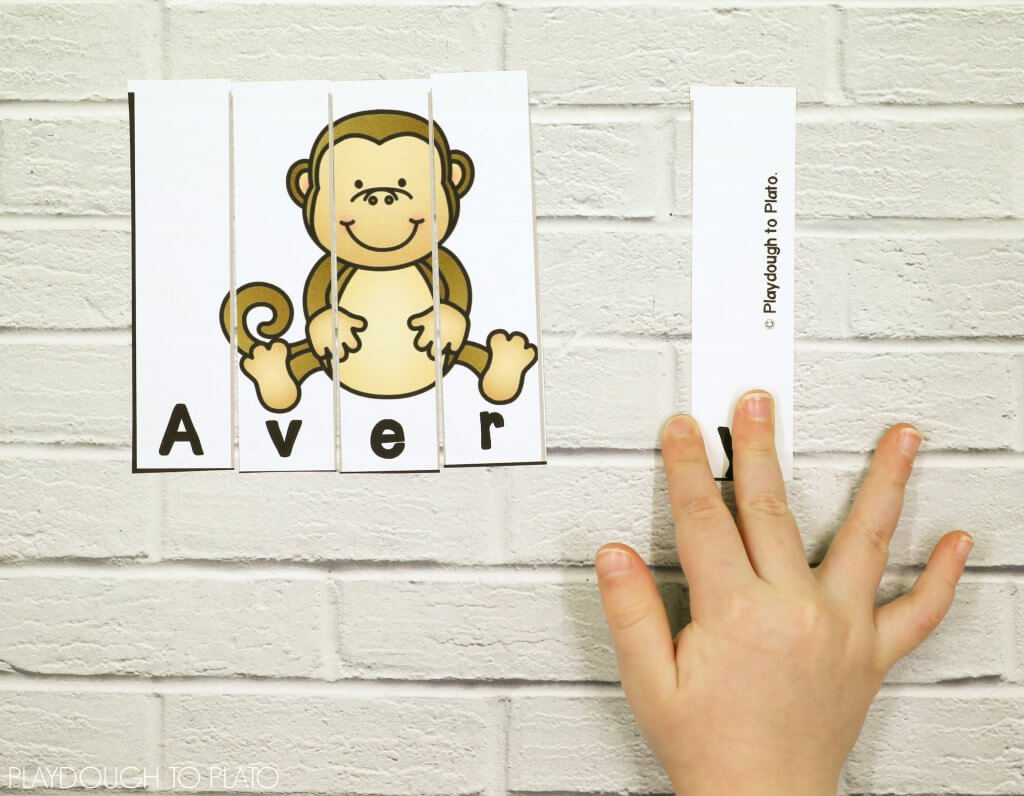
In no time at all she spelled her name and made her happy orange tiger magically appear.
One puzzle after the next, she worked her way through all four sets. (The monkey was one of my personal favorites.)
Grab Your Set
Click the blue download button below to snag a batch of personalized name songs for YOUR kids and then hop over and snag our Editable Name Games too!
Then hop over and grab our bundle of best selling Pre-K centers in our shop!



I am having a hard time getting the zoo puzzle names to allow me to edit and add names
Hi Lynn,
I’m happy to help! Some computers have a default PDF reader that does strange things to the formatting so let’s try troubleshooting-
1. Make sure that you have the most current version of Adobe Reader. It’s available here:
http://get.adobe.com/reader/otherversions/
2. Open your file finder and right click (or double click) on the name puzzles in your download folder.
3. Choose OPEN WITH –> ADOBE READER.
4. You may be prompted to choose Adobe Reader as your PDF reader in the future. To avoid problems in the future, click YES.
Fingers crossed that does the trick!
Malia
I have tried several times to get the Editable Name Puzzles. I have entered my email address and nothing happens. I have never been sent a link or been directed to a page to download them.
Me Too!! Just keeps spinning.
Hi Wendy,
I’ve just checked to ensure that the button is working. When you click the blue “Download Here” button, a pop-up should open. You can try checking to make sure your browser isn’t blocking pop-ups from the site or try using a different browser. If you happen to be attempting the download at school, your district’s web filter may be blocking the pop-up. Trying the download from a different network or device can help. Let me know if you’re not able to get the puzzles!
Warmly,
Sarah // Playdough to Plato Team
Thank you for sharing these awesome centers, I am sure my kinders will enjoy learning with them, these will be sure to make their learning fun.
Thanks, D! I am sure your kinders will love them as much as we do.
Warmly,
Kimberleigh
Hi! This is a great resource! Thank you for creating it! What font am I supposed to choose once I download the pack? I LOVE all of the options but I am unsure which one is the correct one for this project. Thank you for your help!
Hi Gailynn,
Thanks for reaching out, great question!
While all the fonts would work, we used Hello Billionaire.
I hope this helps!
Warmly,
Kimberleigh
Your Zoo Names puzzles says it is free. To get it I entered my name and email. When I received the email, I clicked the blue button. It did not take me to the Zoo Names puzzles, and every time I try to get it, it was me to put in my names and email again. Going in circles. Disappointing!! Please help if you can!!
Hi Deb,
Thanks for reaching out. I am happy to help.
To access the free zoo name puzzles, just enter in your name and email.
If a new screen does not pop up, please make sure to allow popups from our site.
I hope this helps!
Warmly,
Kimberleigh
Hi Shirley,
Thanks for reaching out, please check out our troubleshooting video HERE for help.
Warmly,
Kimberleigh
I am having the same problem. When I edit them it changes the entire page. Any suggestions?
Hi Amy,
The cards are actually designed that way, so that you can create several puzzles for one name. I’d suggest changing the name, printing the page(s) you need, then repeating the process.
Hope that helps.
Warmly,
Ashley // Happiness Ambassador
I can’t seem to find the one for a name with 8 letters. Please help! I have 2 with 8 letters that I need to do!
Hi Theresa,
You can find the page for names with 8 letters on page 10. It is the first page where there are only two name puzzles per page.
Hope that helps!
Warmly,
Ashley // Happiness Ambassador
Hi! I love your name puzzles! I clicked on the download button and filled out my email, however I have not received it yet. I have received 2 other emails though. I would love to make theses for my students, please help.
Thanks!
Hi Shannon! I’m sorry you’re having difficulty downloading the freebie. The problem has been fixed so you can grab it here:
https://www.playdoughtoplato.com/zoo-name-puzzles/
Just click the big blue “download here” button at the bottom of the page. I hope your kiddos love the activity!
They look awesome! I will have my little ones do it asap!
Awesome! Let us know how they like it! ?
Can you email it to me as well? I cannot get it to work either.
Hi Elizabeth,
When you click the blue “Download Here” button, a pop-up should open. You can try checking to make sure your browser isn’t blocking pop-ups from the site or try using a different browser. Let me know if you’re not able to get the puzzles!
Warmly,
Sarah // Playdough to Plato Team
How do I edit the form without each puzzle changing? I added my kids name and went to add another and the one I just typed was replaced with he new name…
Hi Alexis!
Thanks so much for reaching out about the free Zoo Name Puzzles. It’s intended that each name receives a set of the 4 different animal puzzles. To create a set for each student, you’ll need to print the page after you input each child’s name. I just know your kids are going to love these fun name puzzles!
If you have any other questions, please let me know!
Alex